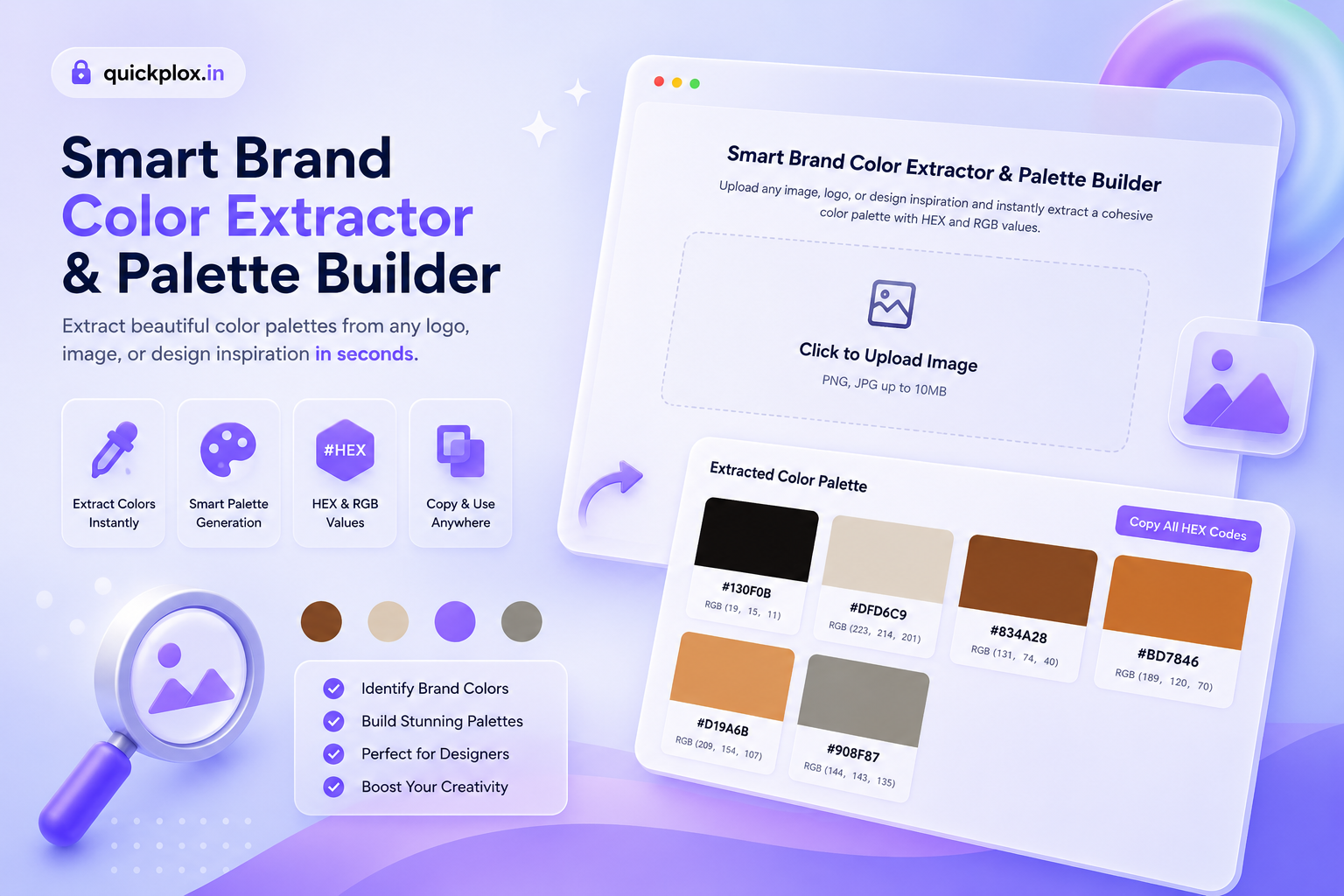
Smart Brand Color Extractor & Palette Builder
Struggling to find the exact HEX codes from a client’s logo, a photograph, or design inspiration? Upload your image below to instantly generate a cohesive, professional color palette with HEX and RGB values.
Extracted Color Palette
Why RGB Values Matter Alongside HEX Codes
While HEX codes are the standard for web development and CSS, having access to the exact RGB (Red, Green, Blue) values is equally crucial for modern digital workflows. Our Smart Brand Color Extractor provides both formats instantly.
- Opacity and Transparency: When designing complex UIs, developers often need to add transparency to a brand color. Using RGB allows you to easily convert a solid color into an
rgba()value in CSS, enabling beautiful glassmorphism and overlay effects. - Cross-Platform Compatibility: Many video editing softwares (like Premiere Pro or After Effects) and print design tools rely heavily on RGB inputs rather than HEX codes.
- Accessibility Adjustments: Calculating color contrast for web accessibility (WCAG standards) is often done using RGB math. Having these numbers readily available speeds up the accessibility audit process for your designs.
Why Use a Smart Brand Color Extractor?
In the world of web design, digital marketing, and branding, consistency is everything. Using the exact shades of colors ensures that your brand identity remains professional across all platforms. Our Brand Color Extractor acts as an intelligent eyedropper and palette generator combined into one. Whether you are building a new website, designing social media creatives, or creating a brand style guide, extracting the dominant and complementary colors from a source image saves hours of manual work. You no longer need heavy desktop software to find the perfect HEX codes.
The Psychology of Brand Colors
Colors are not just visual elements; they communicate emotions and values. For instance, blue often represents trust and security (commonly used by banks and tech companies), while red evokes excitement, passion, and urgency. When you use our brand color extractor to pull colors from an inspiring photograph or a competitor’s logo, you are essentially reverse-engineering their visual psychology.
Understanding how standard web colors affect user behavior can drastically improve your conversion rates. This is why having a perfectly balanced color palette is the first step in any successful digital marketing campaign.
How to Extract Colors from Any Image?
Using our color palette builder is incredibly straightforward and requires zero technical knowledge. Follow these simple steps:
- Upload Your Image: Click on the upload box above and select any JPG, PNG, or WEBP image from your device.
- Instant Processing: Our browser-based algorithm immediately scans the pixels of your image to identify the most dominant and visually appealing colors.
- View Your Palette: A beautiful grid of up to 6 unique colors will appear on your screen, complete with accurate HEX codes.
- One-Click Export: Click on an individual color block to copy its specific code, or hit the “Copy All HEX Codes” button to copy the entire palette for quick pasting.
Where to Use Your Extracted Color Palette
Once you have copied your HEX codes from our Brand Color Extractor, you can implement them across various digital workflows:
- Web Development: Paste the codes directly into your CSS files, Tailwind config files, or WordPress theme customizers.
- Graphic Design: Use the exact colors in Figma, Adobe Photoshop, Canva, or Illustrator to ensure your brand assets match perfectly.
- UI/UX Prototyping: Share the copied palette string with your development team to maintain design system consistency.
Key Features of Our Color Palette Builder
- 100% Privacy Focused: Your uploaded images are never sent to a server. The color extraction happens entirely within your local browser memory.
- Lightning Fast: Because there are no backend database requests, the palette generation is instantaneous. Feel free to explore our other free creator tools that are just as fast.
- Smart Duplicate Removal: The algorithm automatically filters out visually identical shades to give you a truly diverse and usable color scheme.
Frequently Asked Questions (FAQs)
What is a HEX code?
A HEX code is a six-digit combination of letters and numbers used in web design to represent specific colors. Our extractor provides accurate HEX codes that you can directly use in HTML, CSS, and modern graphic design software.
Is this Brand Color Extractor completely free?
Yes, our tool is 100% free to use. There are no hidden fees, no premium subscriptions, and no sign-ups required. You can extract unlimited color palettes every single day.
What if I have an issue or a tool request?
We are constantly updating Quickplox with new utilities. If you encounter any bugs or want to suggest a new tool for digital creators, please Contact our support team. We would love to hear from you!