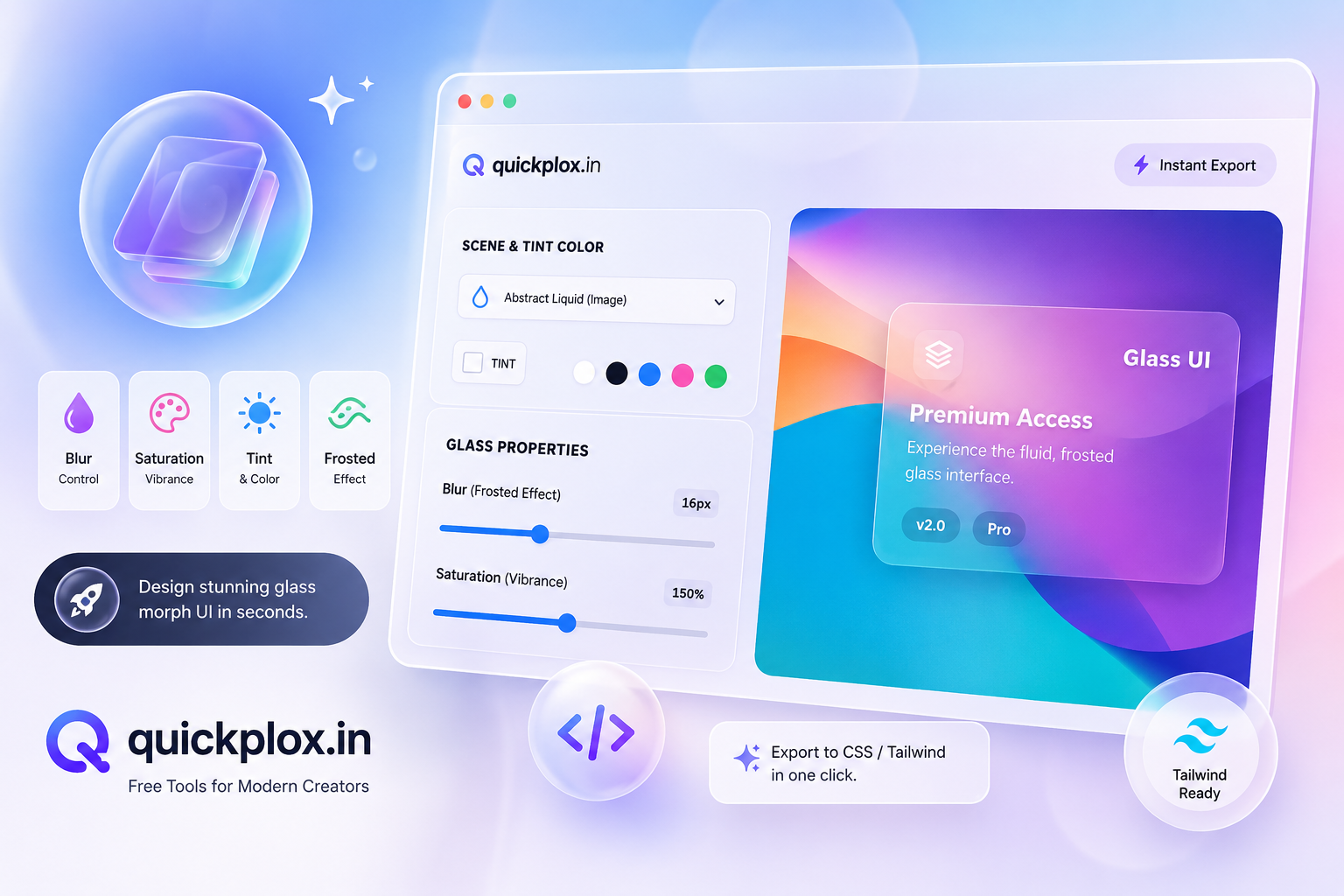
Advanced Glassmorphism Generator & Soft UI Builder
Use our free glassmorphism generator to design hyper-realistic frosted glass elements with blur, saturation, and Apple-style edge highlights. Export your UI to standard CSS or Tailwind instantly.
Styles & Templates
What is a Premium Glassmorphism Generator?
Over the past few years, UI/UX design has experienced a massive shift towards depth, realism, and layered aesthetics. At the forefront of this movement is the “Frosted Glass” effect. An advanced glassmorphism generator is a specialized web development tool designed to help creators instantly build, visualize, and export these translucent, blurred glass elements without writing complex code from scratch.
Crafting the perfect glass UI manually is incredibly challenging. It requires a deep understanding of CSS properties, specifically manipulating transparency, background blurs, and drop shadows to create a realistic hierarchy. Our ultimate glassmorphism generator does all this heavy mathematical lifting for you. It provides a real-time, interactive canvas where you can fine-tune every single pixel, ensuring your web application looks as premium as modern operating systems.
Why Ordinary CSS Tools Fall Short
If you search the internet for a basic glassmorphism generator, you will find several simple tools. However, most of them produce a washed-out, greyish glass effect that looks highly unprofessional on vibrant backgrounds. Our CSS tool is built differently to solve real-world front-end design problems:
- The Saturation Engine: The secret to a hyper-realistic glass effect isn’t just the blur; it is color saturation. Our generator includes a saturation booster that enhances the colors behind the glass, keeping your UI vibrant and punchy.
- Apple-Style Highlights: Realistic glass catches light on its top and left edges. We have engineered an exclusive “Highlight Border” toggle that perfectly replicates this 3D lighting effect.
- Real-World Previews: Instead of showing you an empty box, our tool renders a modern credit card UI so you can see exactly how typography and elements behave inside the frosted glass container.
How to Use Our Glassmorphism Generator
Whether you are a seasoned front-end developer or a beginner freelancer, using our glassmorphism generator is extremely intuitive. Here is a quick workflow to get you started:
- Choose a Scene: Select a dynamic background from the dropdown to test your glass UI against different lighting scenarios. If you need custom backgrounds, you can generate one using our Premium Mesh Gradient Generator.
- Adjust Blur & Saturation: Use the sliders to control the backdrop-filter intensity. Higher blur makes the glass thicker, while higher saturation makes the background colors pop.
- Apply Edge Lighting: Use the Border Style toggles to add a subtle 1px white highlight to the top and left edges for maximum 3D realism.
- Copy Your Code: Switch between the Standard CSS tab or the Tailwind CSS tab. Click the copy button to instantly paste the production-ready code into your project.
Frequently Asked Questions (FAQs)
What is Glassmorphism in web design?
Glassmorphism is a popular UI design trend characterized by a frosted-glass aesthetic. It uses background blur, semi-transparent backgrounds, and subtle light borders to create a sense of verticality and depth, making elements appear as if they are floating above a vibrant background.
Is this glassmorphism generator completely free?
Yes! This ultimate glassmorphism generator is 100% completely free to use. There are no hidden fees, no paywalls, and no sign-ups required. You can generate unlimited CSS and Tailwind code snippets for both your personal and commercial freelance projects.
Does this tool support Tailwind CSS?
Absolutely. Unlike older tools that only provide vanilla CSS, our tool features a dual-engine output. You can instantly toggle to the Tailwind CSS tab to copy highly accurate arbitrary classes directly into your modern tech stack.
Why does my frosted glass look washed out?
If your glass effect looks dull or greyish, it is because you are only applying a blur filter. To fix this, you must increase the background saturation. Our glassmorphism generator includes a dedicated ‘Saturation (Vibrance)’ slider that boosts the colors behind the glass, instantly fixing the washed-out appearance.